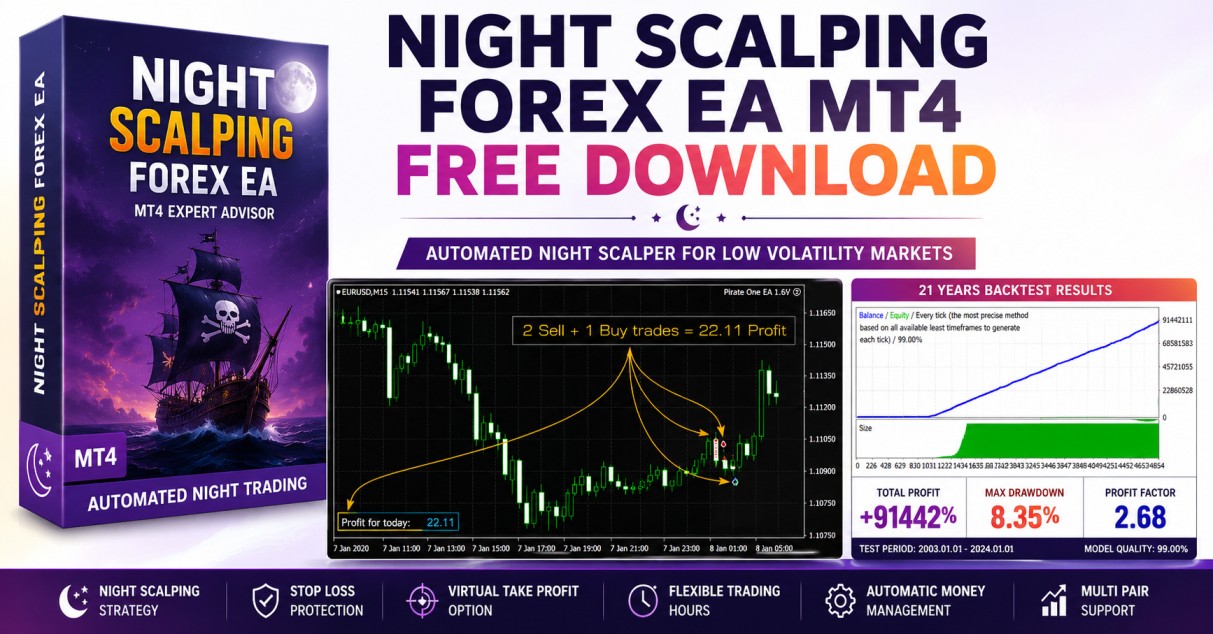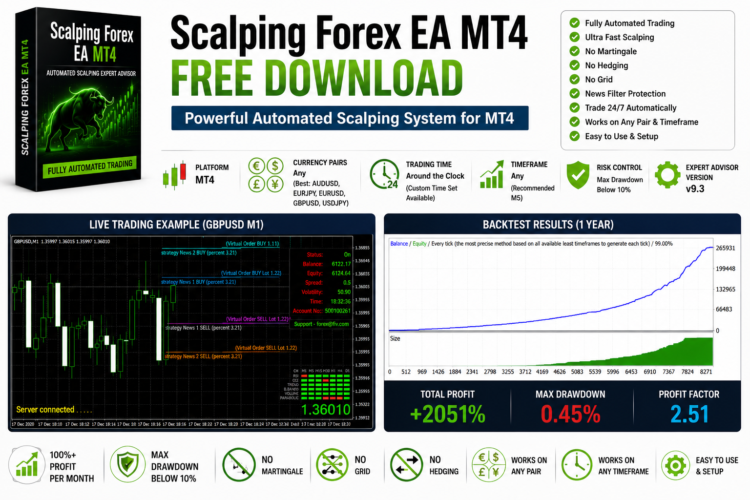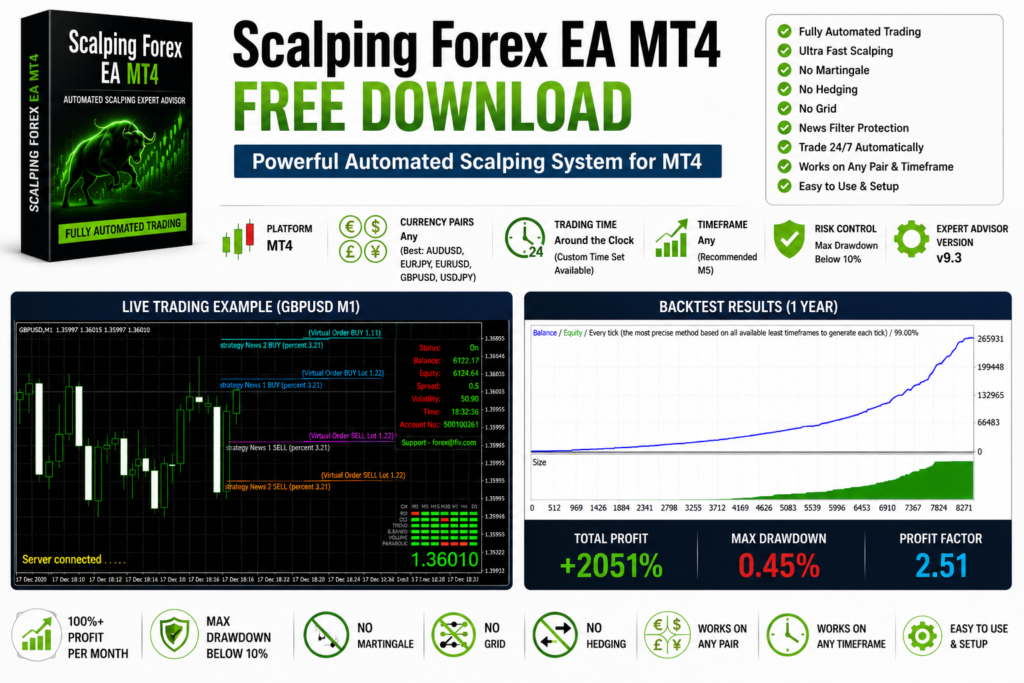
The Scalping Forex EA MT4 is a fully automated Expert Advisor developed for traders who prefer fast trade execution and short-term market opportunities. The EA combines advanced market analysis with intelligent trade filtering to identify potential entry points while maintaining a disciplined risk management approach.
Unlike many automated trading systems that depend on high-risk techniques such as martingale, grid trading, or hedging, this Expert Advisor focuses on structured trade execution and flexible money management. It is designed for traders looking for an automated scalping solution that can operate throughout the trading day.
Whether you are a beginner exploring automated trading or an experienced trader searching for a reliable scalping EA, this system offers a wide range of configurable features.
Why Choose a Scalping Forex EA?
Scalping strategies aim to capture small price movements that occur throughout the trading day. Instead of waiting for large market swings, scalping systems open multiple short-term positions whenever suitable market conditions appear.
This Expert Advisor continuously scans the market and attempts to identify favorable trading opportunities using its internal trading logic.
Combined with proper money management, automated scalping can help traders remove emotional decision-making while maintaining consistent trading discipline.
Expert Advisor Features
- Fully Automated Trading
- Advanced Scalping Algorithm
- Pending Order Trading
- News Filter
- Automatic Money Management
- Fixed Lot Option
- Auto Lot Calculation
- Trading Time Filter
- MT4 Compatible
- Beginner Friendly
EA Specifications
| Feature | Details |
|---|---|
| Platform | MetaTrader 4 (MT4) |
| Market | Forex |
| Recommended Currency Pairs | AUDUSD, EURJPY, EURUSD, GBPUSD, USDJPY |
| Recommended Timeframe | M5 |
| Trading Sessions | 24 Hours or Custom Trading Schedule |
| Trading Style | Automated Scalping |
How the Expert Advisor Works
The exact trading algorithm remains proprietary.
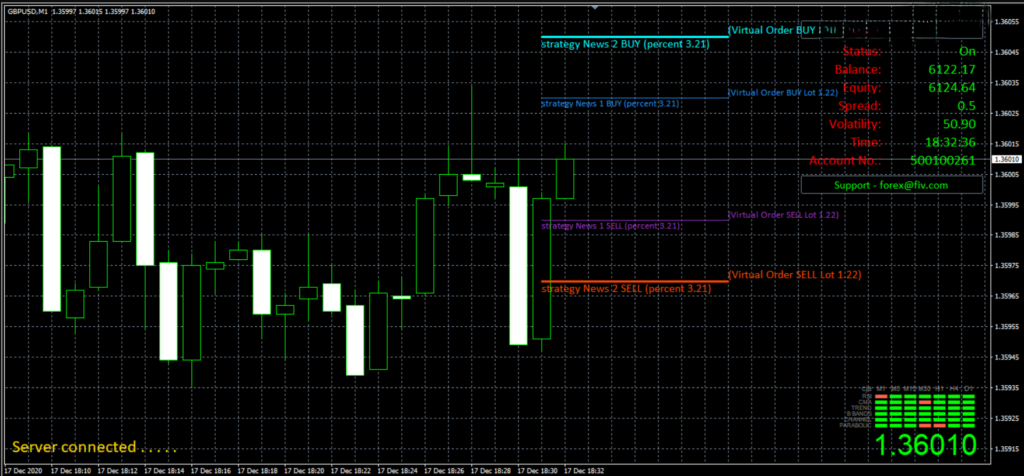
Based on observed trading behavior, the Expert Advisor appears to combine market scanning with pending order entries near important technical price levels.
Instead of entering trades randomly, the EA waits until market conditions satisfy predefined trading criteria before placing orders.
This helps reduce unnecessary trades during unstable market conditions.
News Filter
One of the useful features included with this Expert Advisor is the built-in news filter.
Major economic announcements can create sudden price spikes and increased volatility.
The news filter helps avoid opening new positions during selected high-impact news events, allowing traders to reduce unnecessary trading risk.
Money Management
The Expert Advisor includes flexible money management settings suitable for different account sizes.
Automatic Lot Size
Trading volume automatically adjusts according to account balance and selected risk settings.
Fixed Lot Trading
Users who prefer complete control can manually define a fixed trading lot size.
Always select a risk level that matches your personal trading plan.
Recommended Trading Setup
Recommended Currency Pairs
- AUDUSD
- EURJPY
- EURUSD
- GBPUSD
- USDJPY
Recommended Timeframe
- M5
Although the EA supports additional symbols and timeframes, these settings are commonly used for optimization.
Backtesting
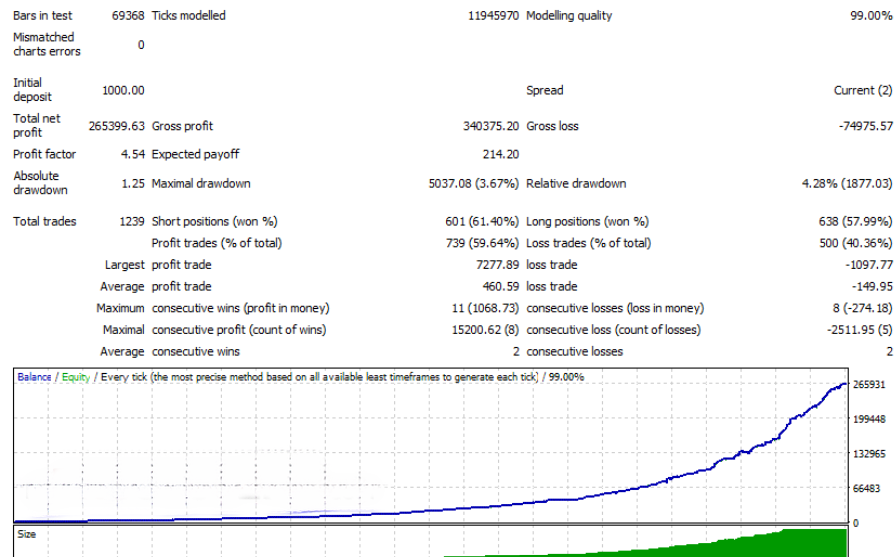
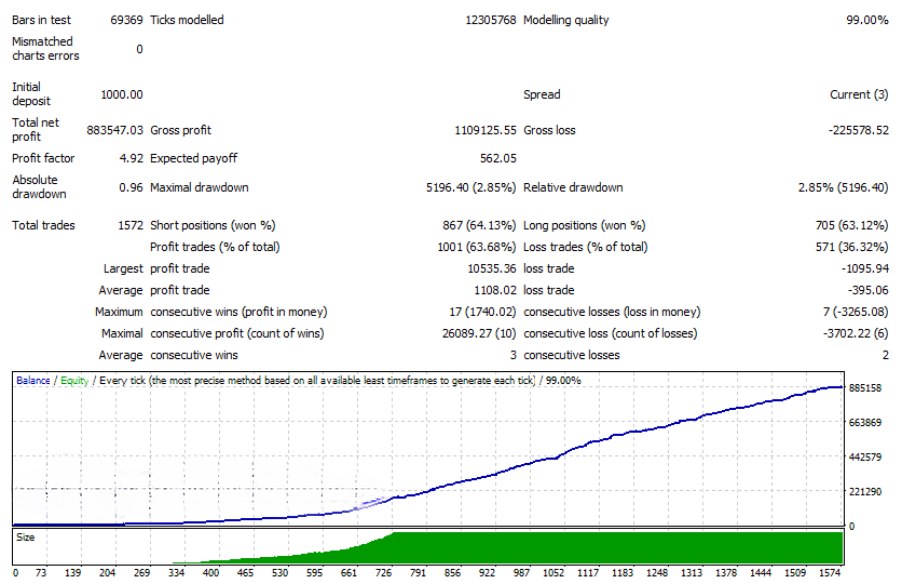
Historical testing allows traders to evaluate the Expert Advisor before using it on a live account.
Backtesting helps traders:
- Review historical performance.
- Optimize settings.
- Compare different currency pairs.
- Evaluate drawdown.
- Test money management options.
EUR USD Backtest
USD JPY Backtest
Expert Advisor Settings
The Expert Advisor includes a wide range of customizable settings.
Available options include:
- Automatic Lot Calculation
- Fixed Lot Size
- Risk Percentage
- Trading Days
- Trading Hours
- News Filter
- Pending Order Settings
- Money Management
- Entry Filters
- Position Management
Insert Settings Screenshot Here
Advantages
- No Martingale
- No Grid Trading
- No Hedging Strategy
- Built-in News Filter
- Automatic Risk Management
- Pending Order Entries
- Suitable for Major Currency Pairs
- Fully Automated Trading
- MT4 Compatible
Frequently Asked Questions
Which timeframe is recommended?
The M5 timeframe is commonly recommended for scalping because it provides frequent trading opportunities while maintaining sufficient market activity.
Which currency pairs perform best?
Major Forex pairs such as EURUSD, GBPUSD, AUDUSD, EURJPY, and USDJPY are generally recommended because of their liquidity and relatively lower spreads.
Does the EA use Martingale or Grid?
The trading system is designed to operate without relying on martingale, grid trading, or hedging strategies.
Can beginners use this Expert Advisor?
Yes. The EA is easy to install and configure, but new traders should always test it on a demo account before trading with real money.
Final Thoughts
The Scalping Forex EA MT4 is designed for traders who want an automated trading solution capable of identifying short-term market opportunities while maintaining structured risk management. With pending order execution, flexible money management, and an integrated news filter, the EA offers a practical framework for automated scalping on MetaTrader 4.
Before trading live, always perform extensive backtesting, optimize the settings for your broker, and evaluate performance on a demo account to ensure the strategy matches your trading objectives.
Scalping Forex EA MT4 Download
PREMIUM DOWNLOAD